Opening the Project "Inventory Details" Tab for Inventory from the Inventory View
For a given inventory item on the Inventory view, you can open its associated project directly to the Project Inventory Details pane for that inventory item, where you can then examine and edit the item’s details.
To open the project directly to the details for a given inventory item, do the following:
-
Open the Inventory view. For instructions, see Opening the Inventory View.
-
For the given inventory item on the Inventory view, click its hyperlinked inventory name (in the Inventory Name column).
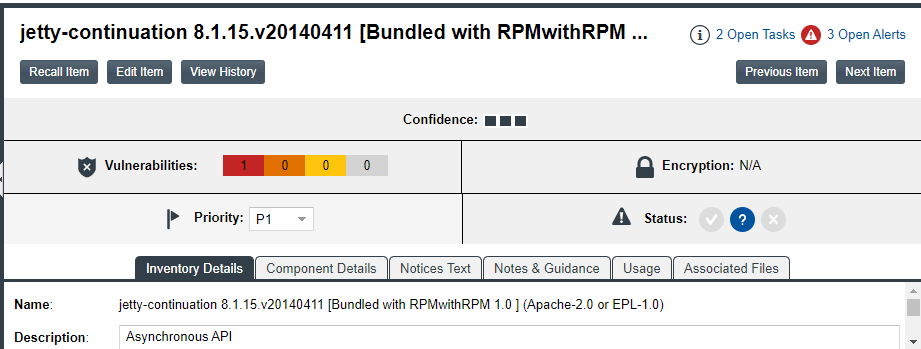
The project opens to the Project Inventory Details pane for the specific inventory item (see the following example) on the Project Inventory tab, providing access to all information for the item and enabling you update this information according to your user permissions. For more information, see Project Inventory Details Pane.
-
To return to the Inventory view, click the Inventory button under the Code Insight logo on the screen.